 School management software for schools in South Africa
MSMS comes with a ready starting point for South Africa: the class names, terms, subjects, grading and fee categories a typical school uses — so you can have your school set up in minutes instead of typing it all in.
Classes and stages for South Africa
| Stage | Classes |
|---|---|
| Grade R | Grade R |
| Foundation Phase | Grade 1, Grade 2, Grade 3 |
| Intermediate Phase | Grade 4, Grade 5, Grade 6 |
| Senior Phase | Grade 7, Grade 8, Grade 9 |
| FET Phase | Grade 10, Grade 11, Grade 12 |
CAPS: Grade R, Foundation Phase Grade 1–3, Intermediate Phase Grade 4–6, Senior Phase Grade 7–9, FET Grade 10–12 (NSC). Four terms in a calendar year. The 1–7 achievement scale is the national one; continuous assessment (school-based) is set to 75 % here — adjust per phase.
Terms, grading and fees
- Terms: Term 1, Term 2, Term 3, Term 4 — the dates are worked out for the coming school year.
- Grading: 7 (outstanding achievement) down to 1 (not achieved); continuous assessment defaults to 75 marks.
- Fee categories ready to use: Tuition, Registration / Admission, PTA Levy, Books & Stationery, Uniform, Exam Fee, ICT / Computer Fee, Sports & Culture, Transport, Feeding / Canteen, Boarding.
What your school gets with MSMS
- Admin, teacher, student and parent portals, installable on a phone
- Fee invoices parents can pay online or by mobile money, in ZAR
- One parent login for all their children, with a family discount option
- Results, report cards with positions and comments, attendance and a school website
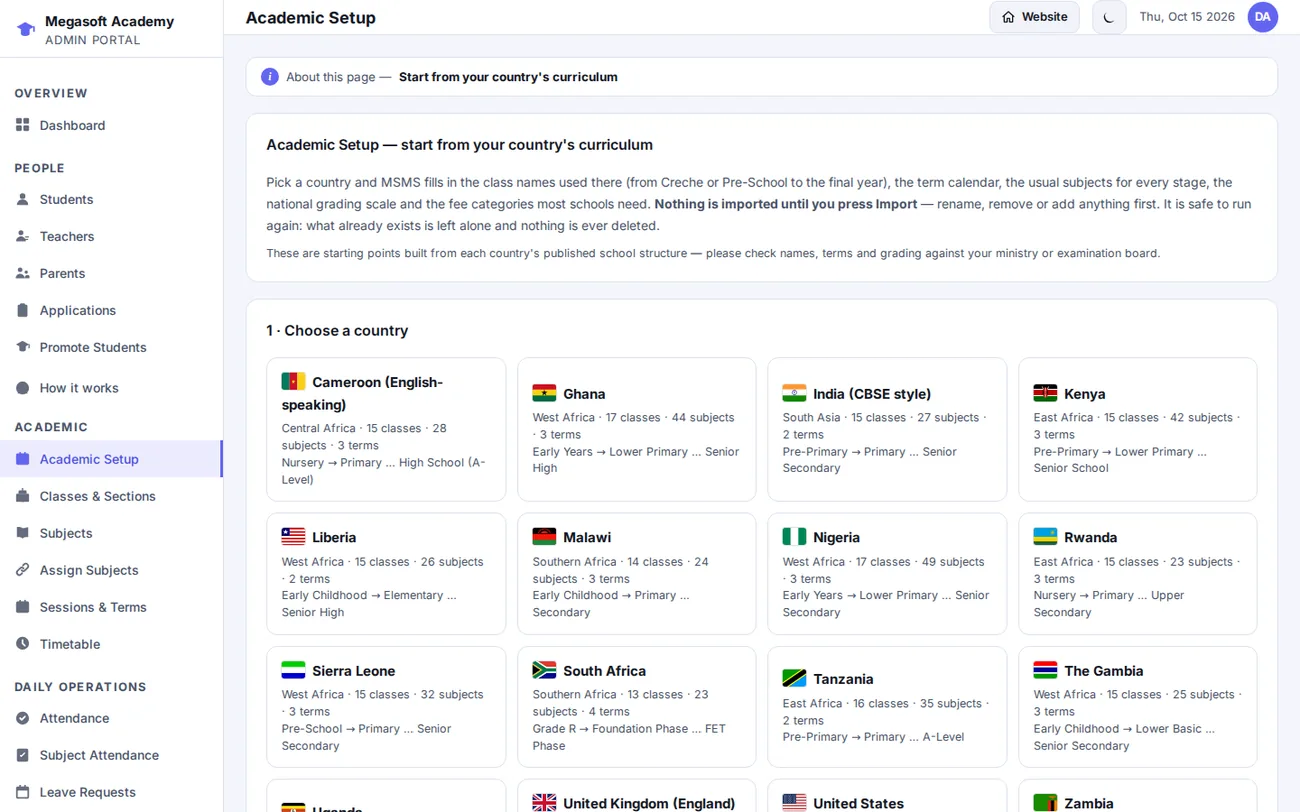
The setup is safe to run again: what already exists is left alone and nothing is ever deleted. See how setup and fees work →
Questions about MSMS in South Africa
Does MSMS support the school system in South Africa?
Academic Setup includes a starting point for South Africa: 13 classes across 5 stages (Grade R, Foundation Phase, Intermediate Phase, Senior Phase, FET Phase), 4 terms (Term 1, Term 2, Term 3, Term 4) and 38 subjects. Everything is editable before you import, so you can match your own school.
What grading scale does the South Africa preset use?
It uses 7 (outstanding achievement) down to 1 (not achieved) with a 75-mark continuous-assessment share by default. You can change the bands and the CA/exam split in Settings.
Can parents in South Africa pay school fees online?
Parents can pay online with Paystack, Flutterwave or Stripe where those providers support their card or wallet, or pay to the school's mobile-money number or bank account and have the school confirm it. Fees are shown in ZAR. Check each provider's documentation for the countries and currencies it supports.
Is the preset official?
It is a starting point built from the country's published school structure. Please check names, terms and grading against your ministry or examination board before relying on it — and edit anything that differs for your school.
